
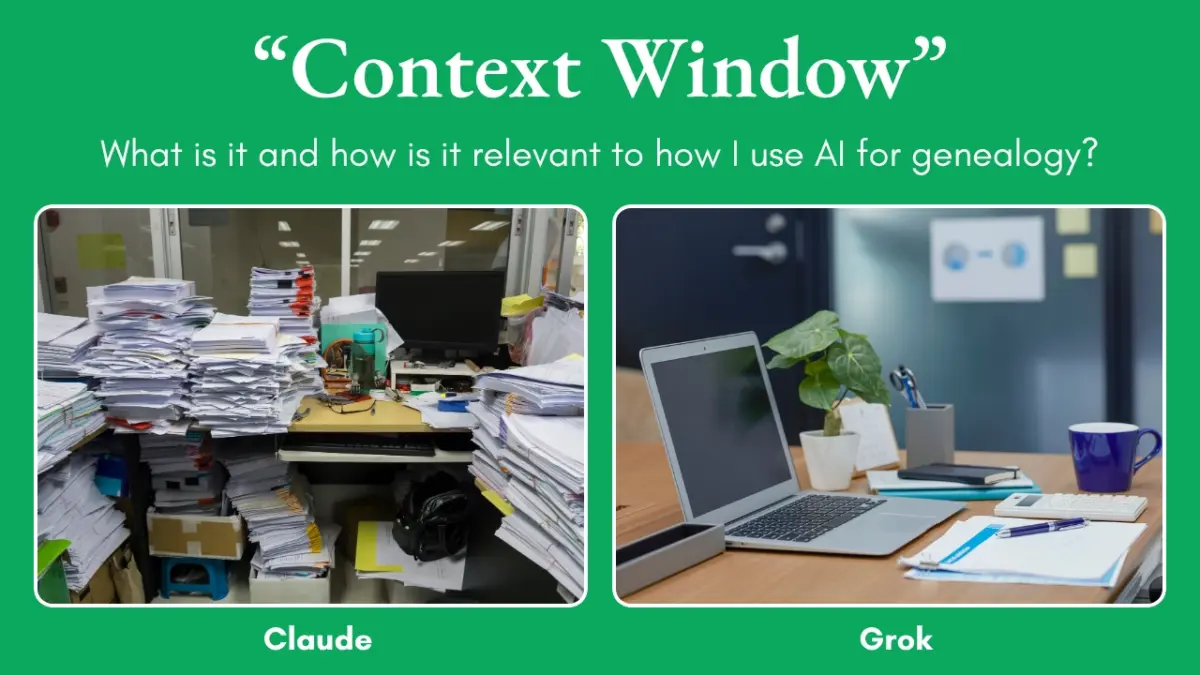
What is a “context window” when it comes to AI?
Think of the context window as the AI’s working desk.
Everything in the current conversation — your messages, the AI’s replies, and the text of any files you’ve uploaded — has to fit on that desk at the same time. There’s only so much room. When the desk gets full, the AI starts forgetting earlier parts of the conversation or can’t take in the whole file.
Different AI tools have different-sized desks, and they also have different ways of using the desk.
Why a large GEDCOM works better in Grok than in Claude
A GEDCOM is just a big plain-text file. Every name, date, and place becomes words the AI has to read.
Claude’s approach
Claude mostly puts the text of the file right onto the desk (into the context window).
A 20 MB GEDCOM is a lot of text. It can fill most or all of Claude’s desk, leaving little room for the actual conversation. That’s why many people find Claude struggles with larger GEDCOMs even though the official upload limit looks high — the practical limit is often much smaller because of the context window.
Grok’s approach
Grok can set the GEDCOM file aside and use tools (like a little program) to open it, search it, and pull out only the pieces you ask about.
Only the relevant names and facts need to go onto the desk, not the entire 20 MB file every time.
That’s why a 20 MB GEDCOM is comfortable here, and files up to about 150 MB can still be used with focused questions.
TL;DR
Claude tries to hold the whole GEDCOM in its head at once, so big files fill it up fast. Grok can leave the file on the side and just look up the parts you need, so it handles much larger trees without running out of room.


